Manual flashing does not scale
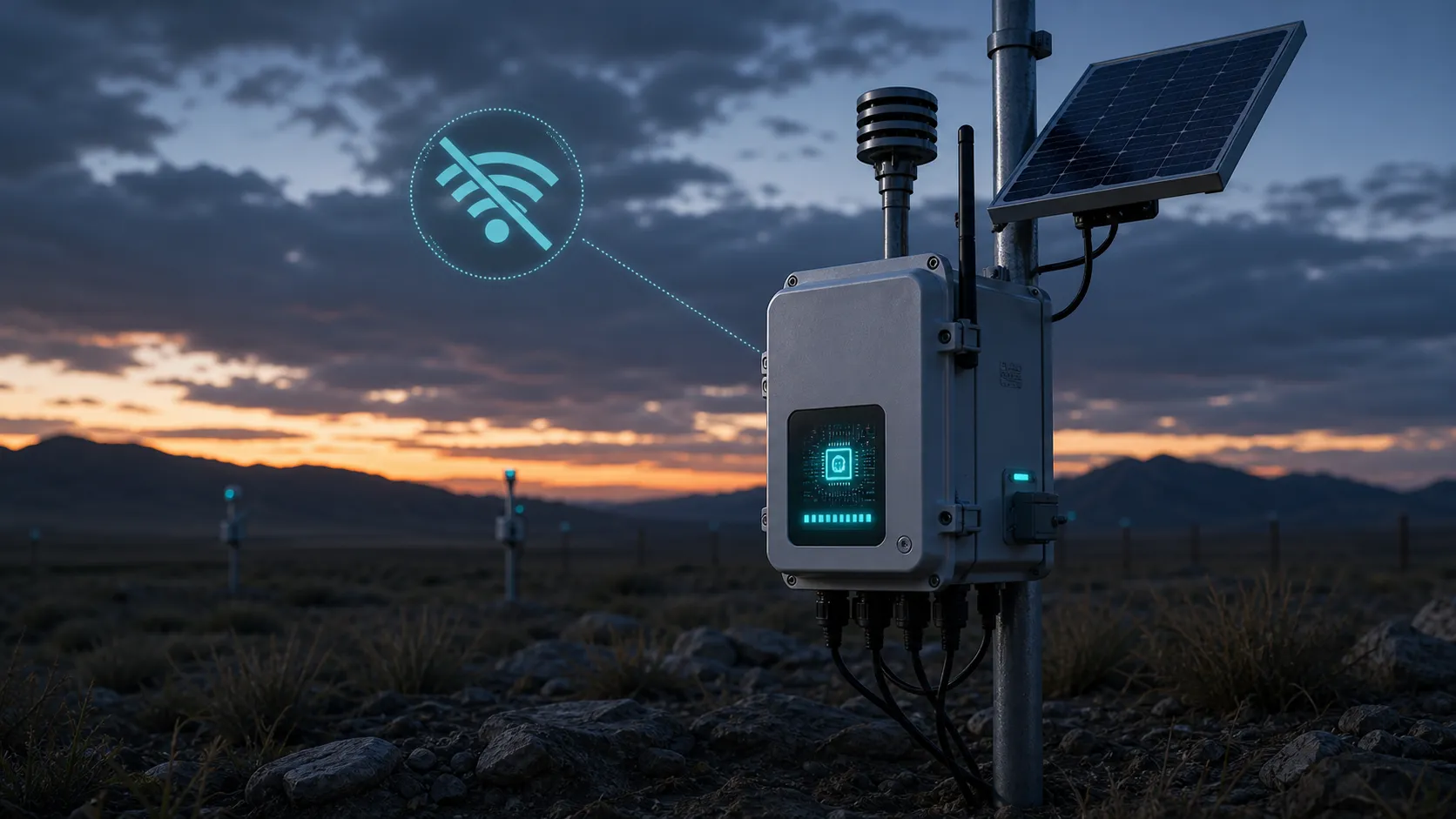
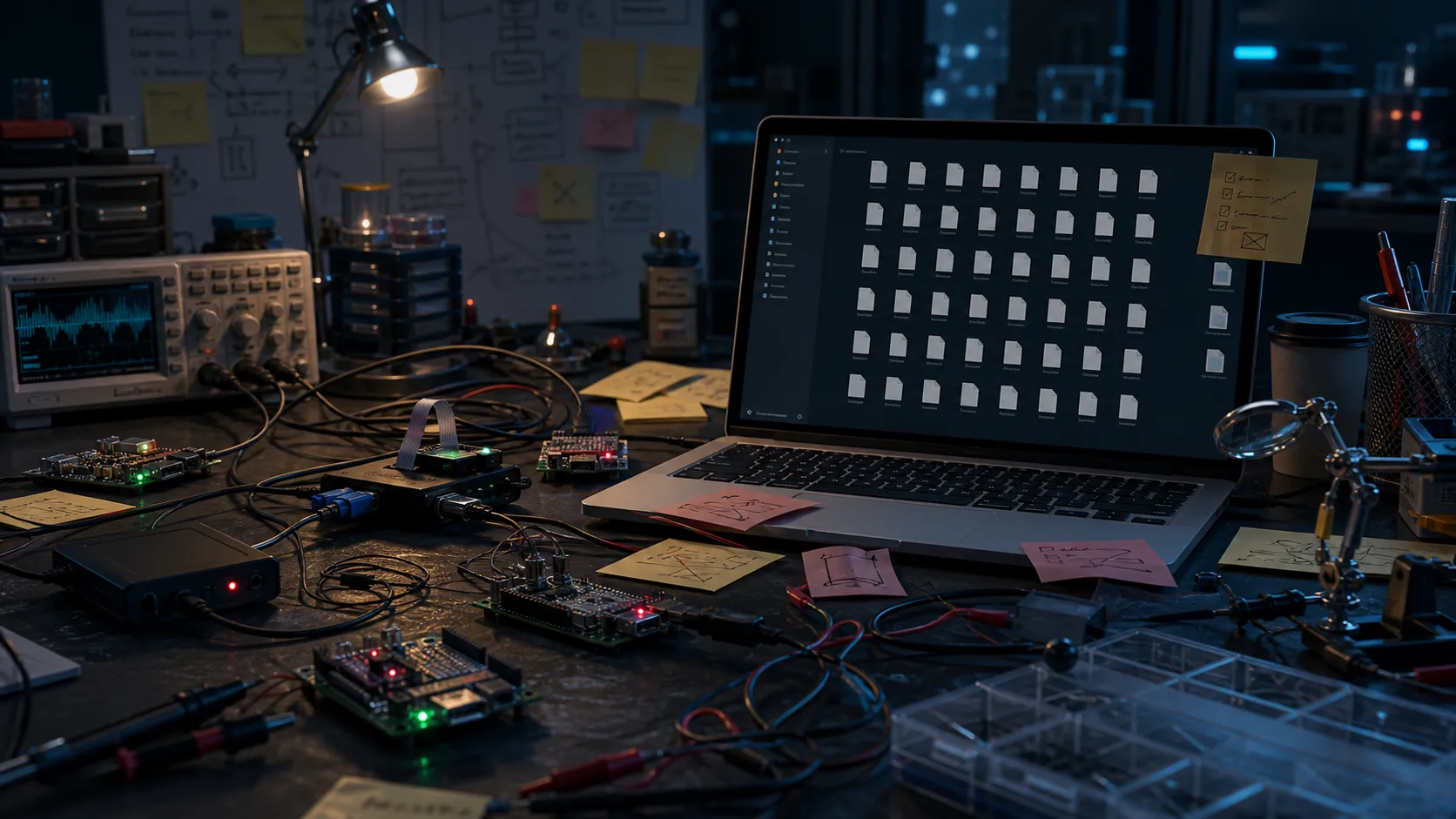
USB updates are fine on a desk. They become expensive when devices are remote, sealed, or already with a customer.
Fleet-ready firmware updates for embedded devices. Stop creating temporary file links, manual scripts, and fragile OTA backends from zero. Upload releases, manage channels, and let deployed devices check for updates through a structured server.
Watch how the service is presented from the embedded developer point of view: the problem with manual updates, why simple links are not enough, and how Samfrevolt OTA gives projects a fleet-ready firmware update flow.
Hobbyists, freelancers, and small teams often start with quick OTA shortcuts. The pain starts when devices are installed, customers are waiting, and firmware versions begin to drift.
USB updates are fine on a desk. They become expensive when devices are remote, sealed, or already with a customer.
Basic file hosting does not give you release history, device targeting, channels, rollout state, or firmware integrity.
You can build OTA infrastructure yourself, but your time is better spent improving the product firmware and hardware.

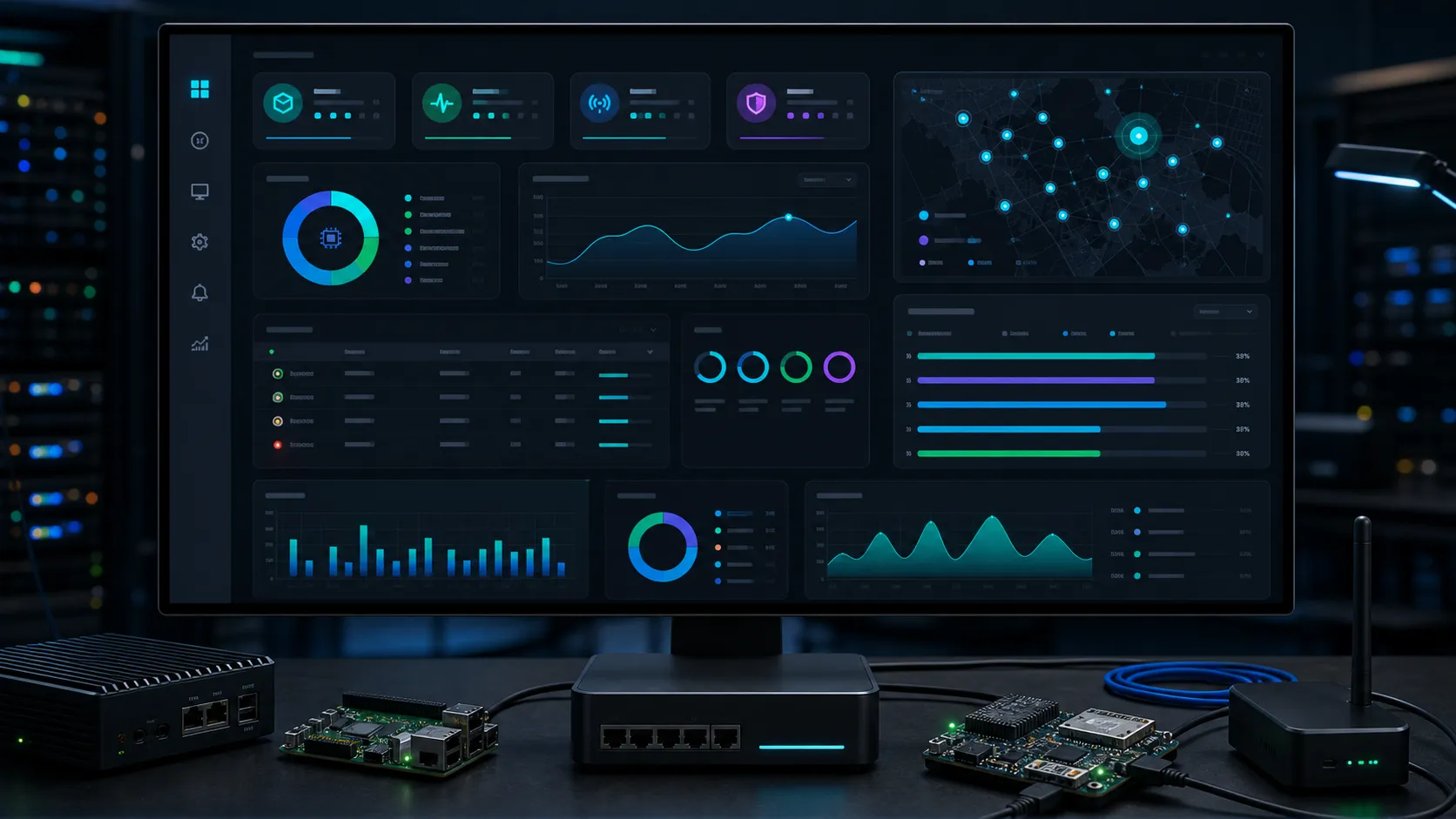




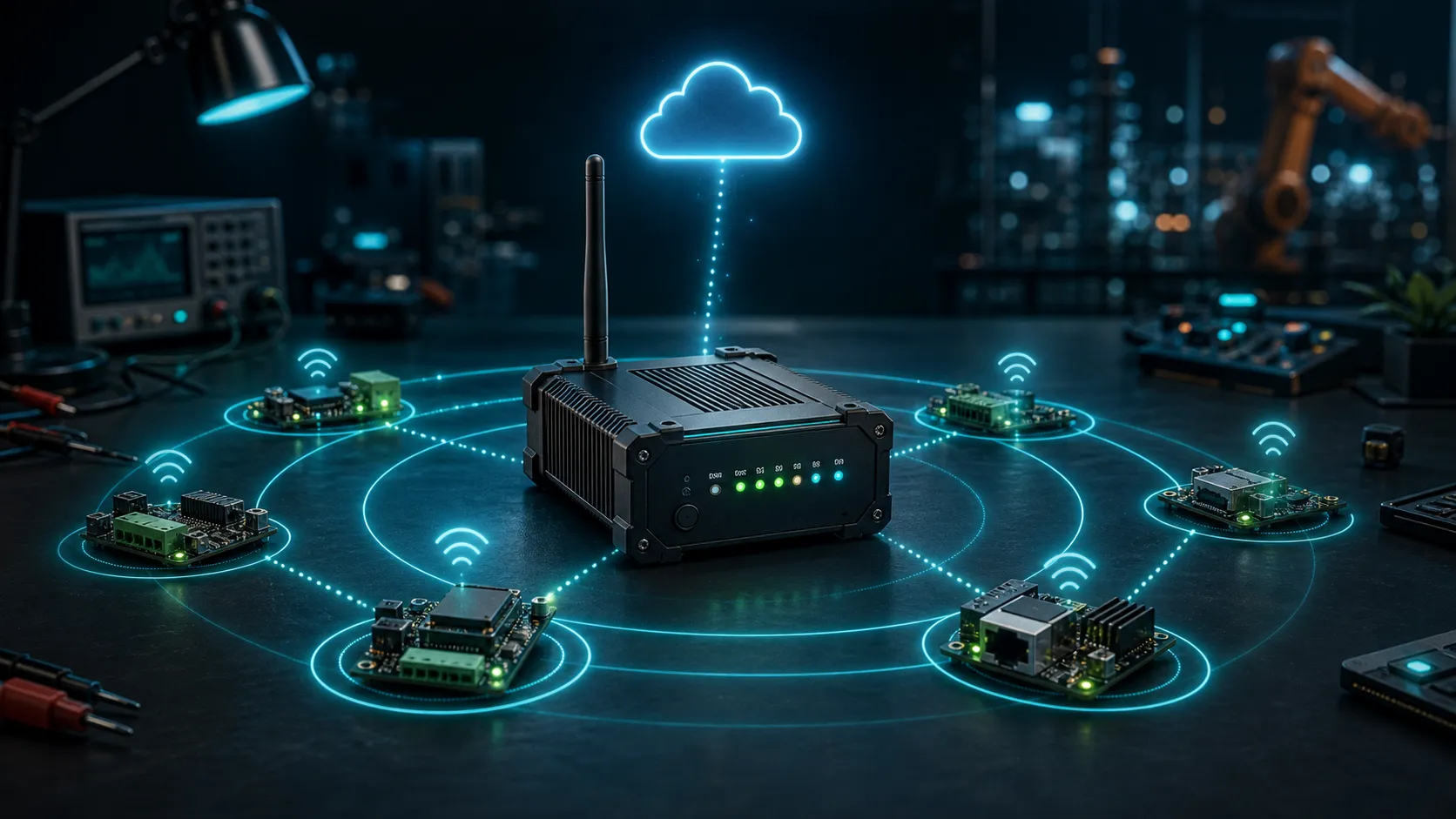



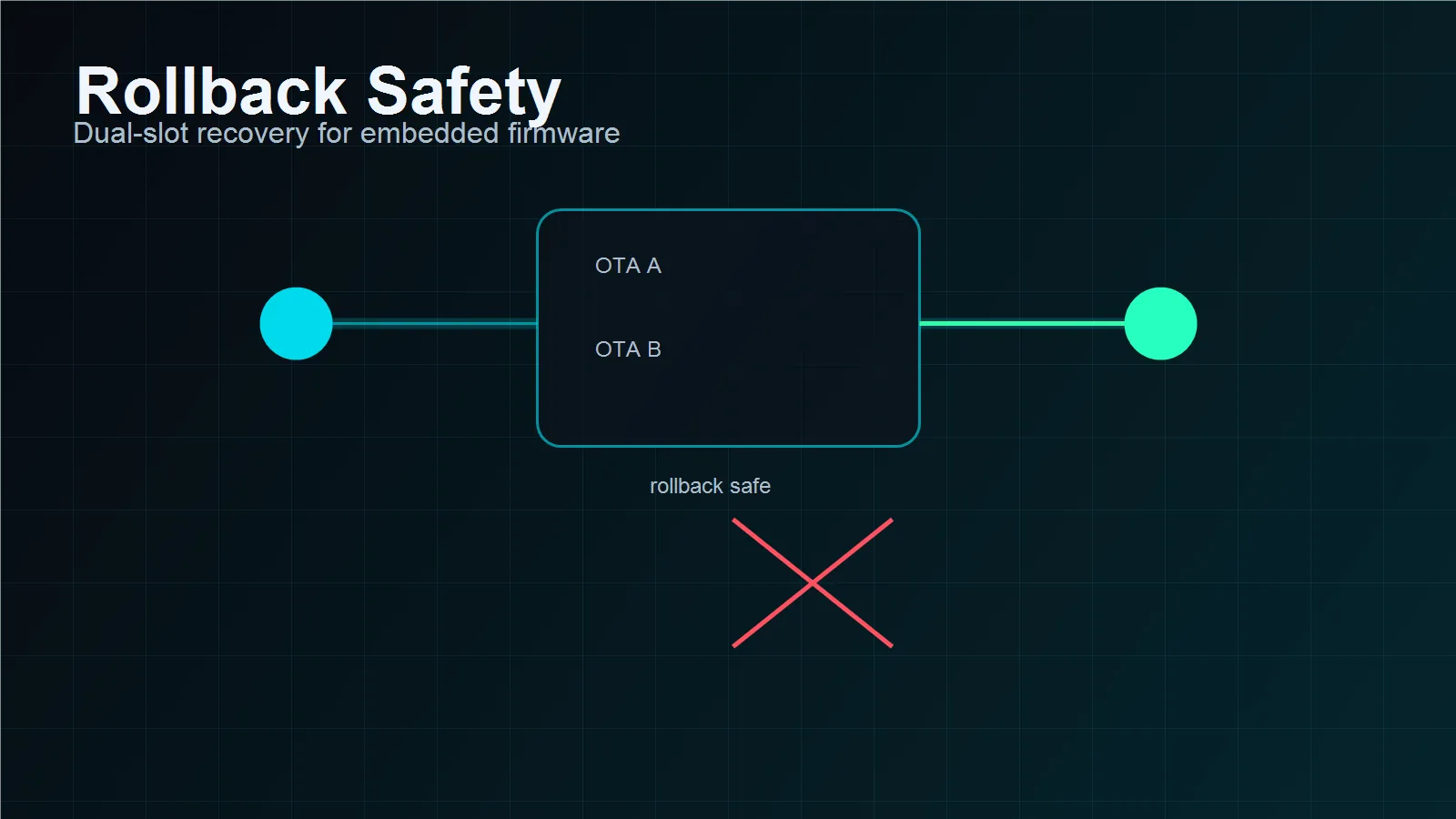
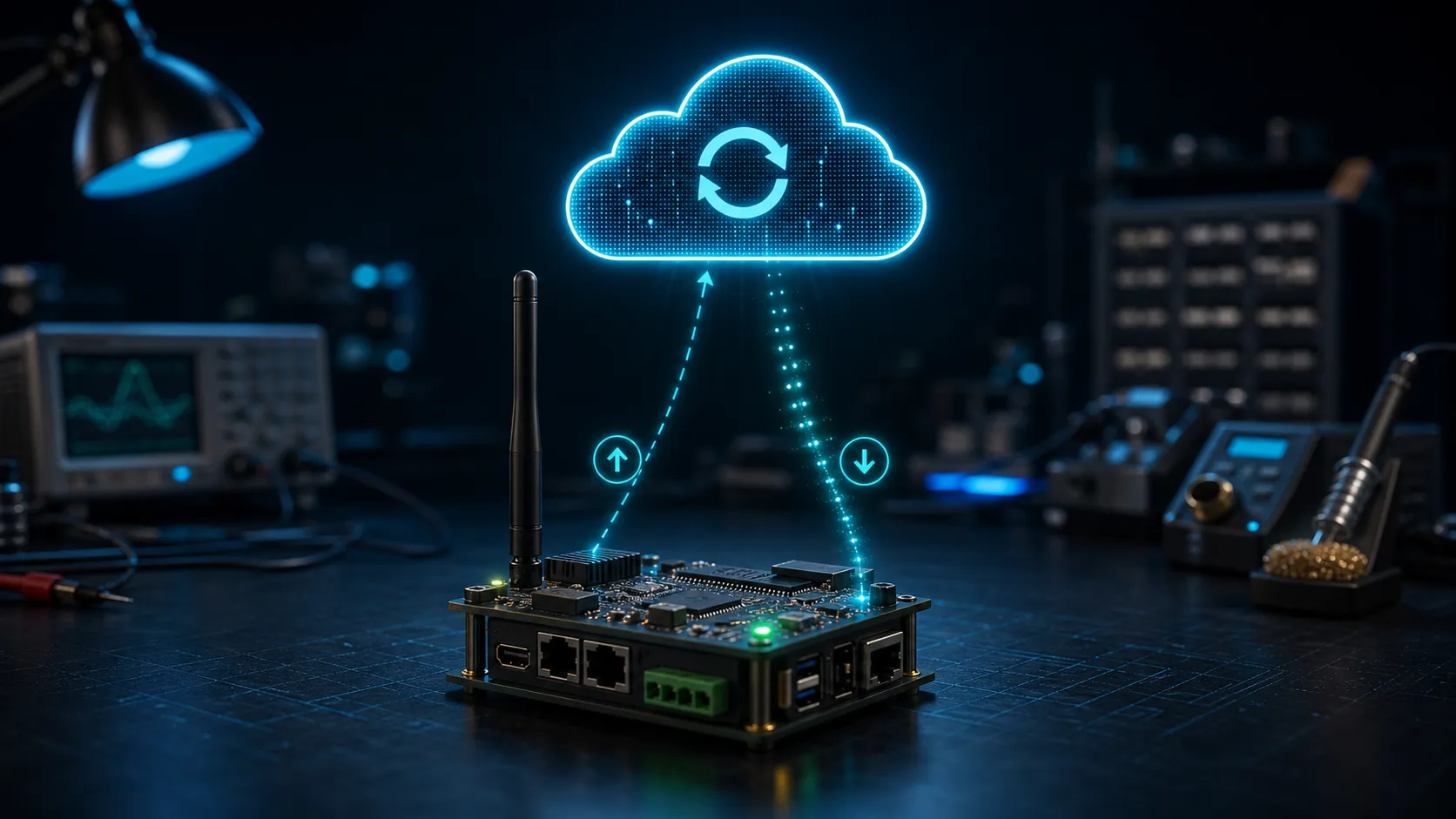


Samfrevolt OTA gives you the server-side structure around firmware releases, while your device keeps control of the actual flashing logic.
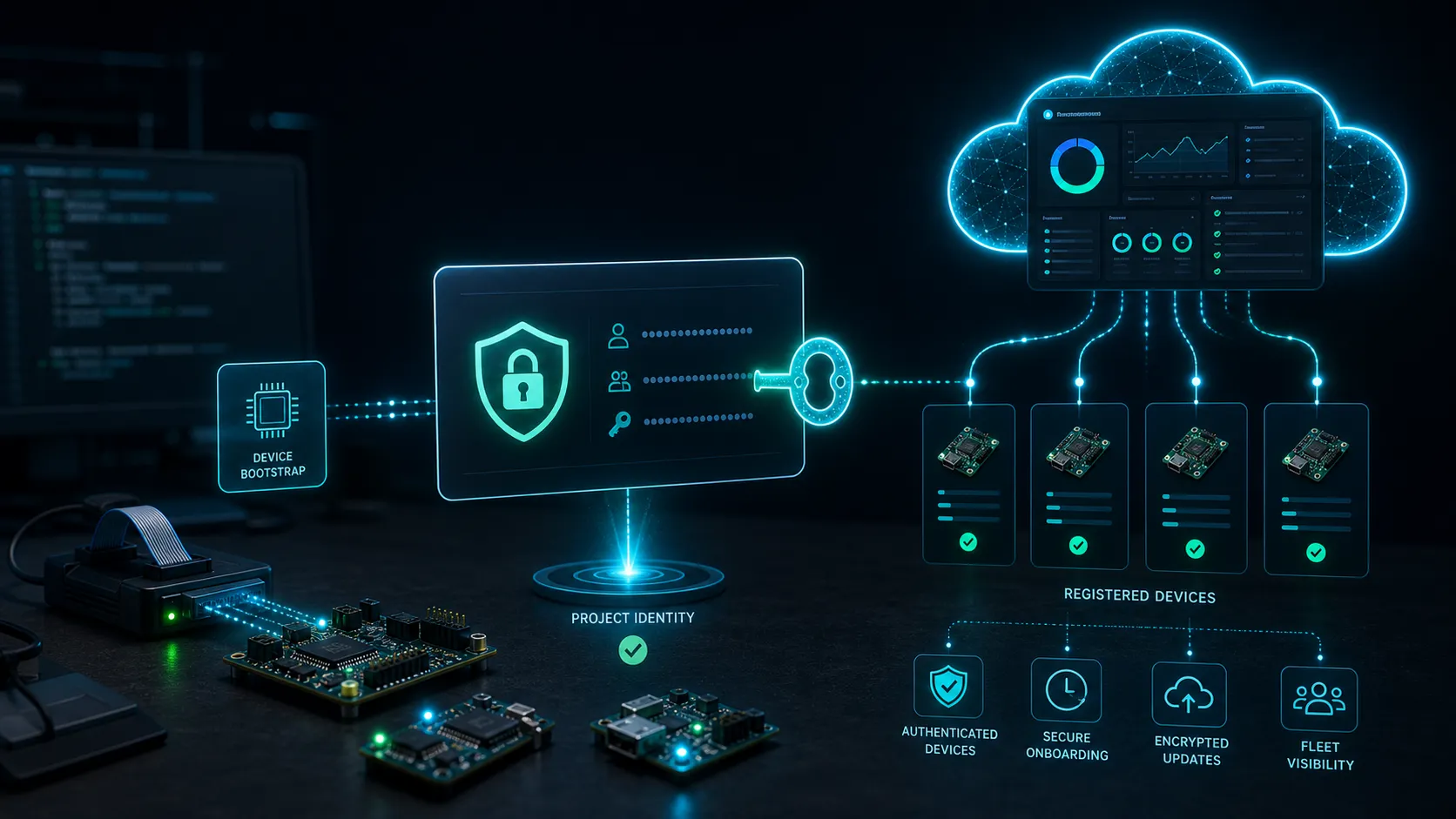
Each product has its own dashboard, admin access, device API key, releases, channels, and logs.
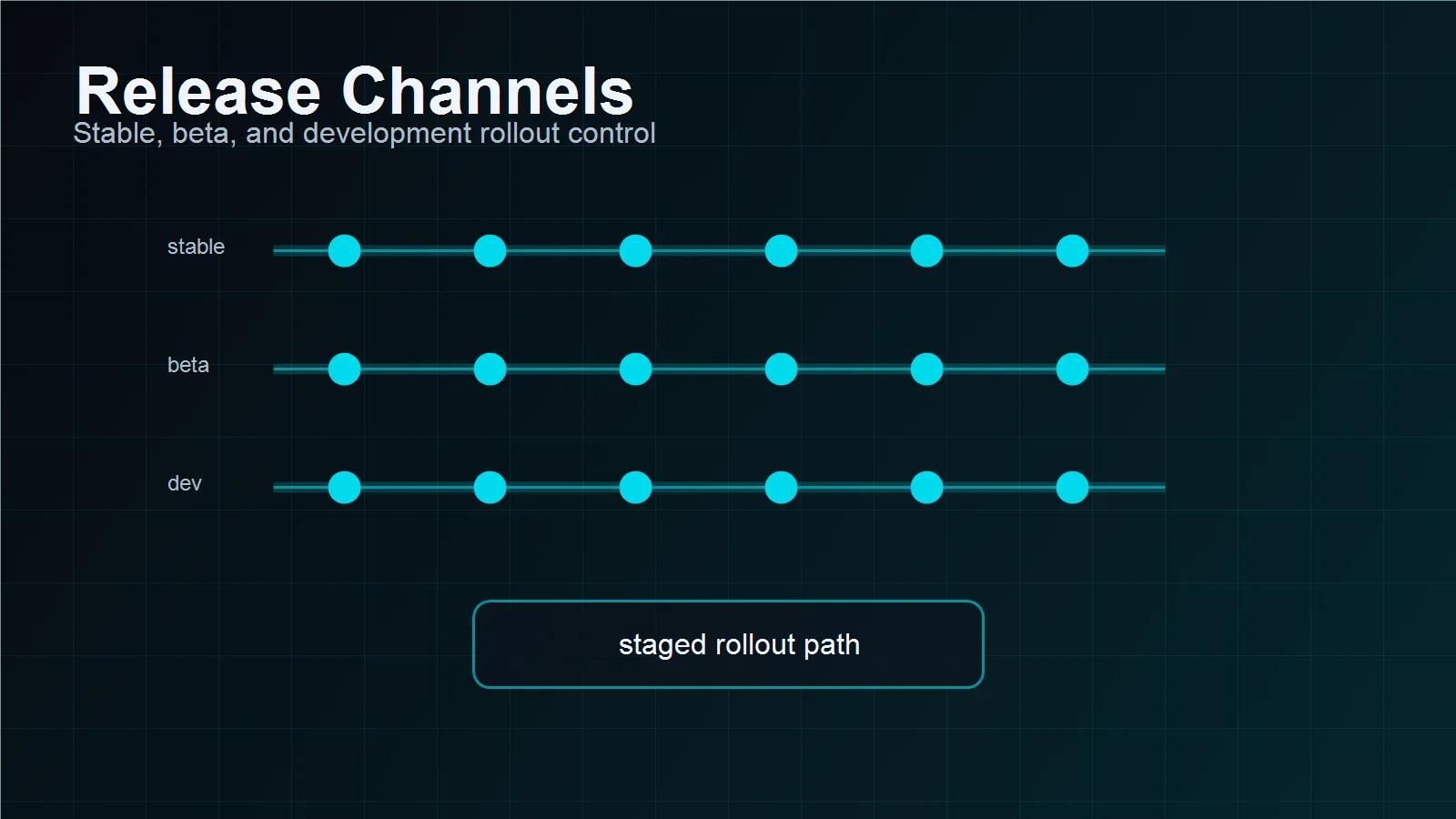
Publish firmware to stable, beta, or dev so test devices and production devices do not receive the same update.
Serve different firmware to different PCB or hardware revisions while keeping one organized project.
Use SHA-256 verification and Ed25519 signing on paid plans to protect firmware identity.
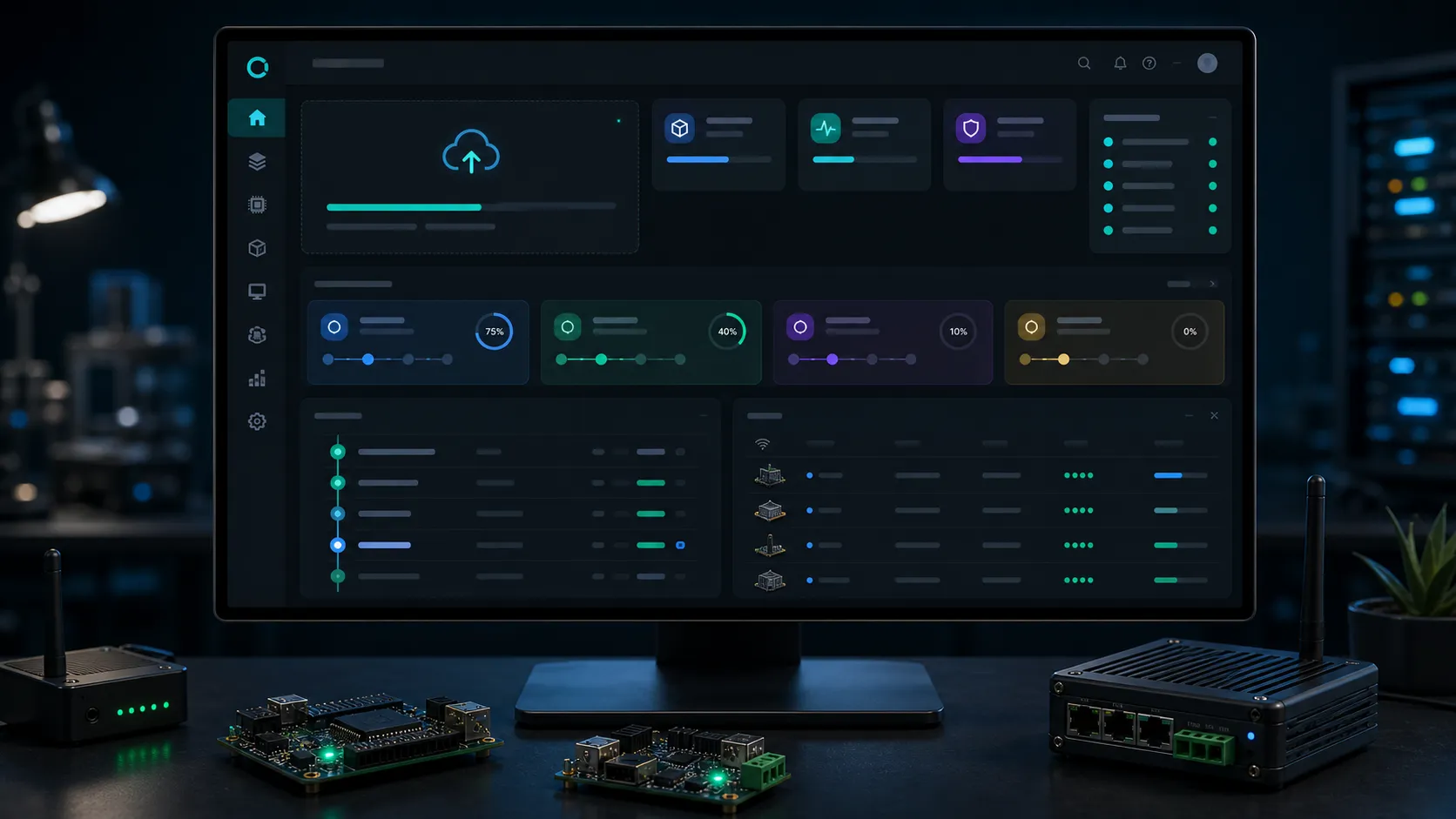
Start with a percentage of the fleet, monitor behavior, then increase rollout when you are confident.
Devices authenticate with a project key, and credentials can be rotated from the dashboard.
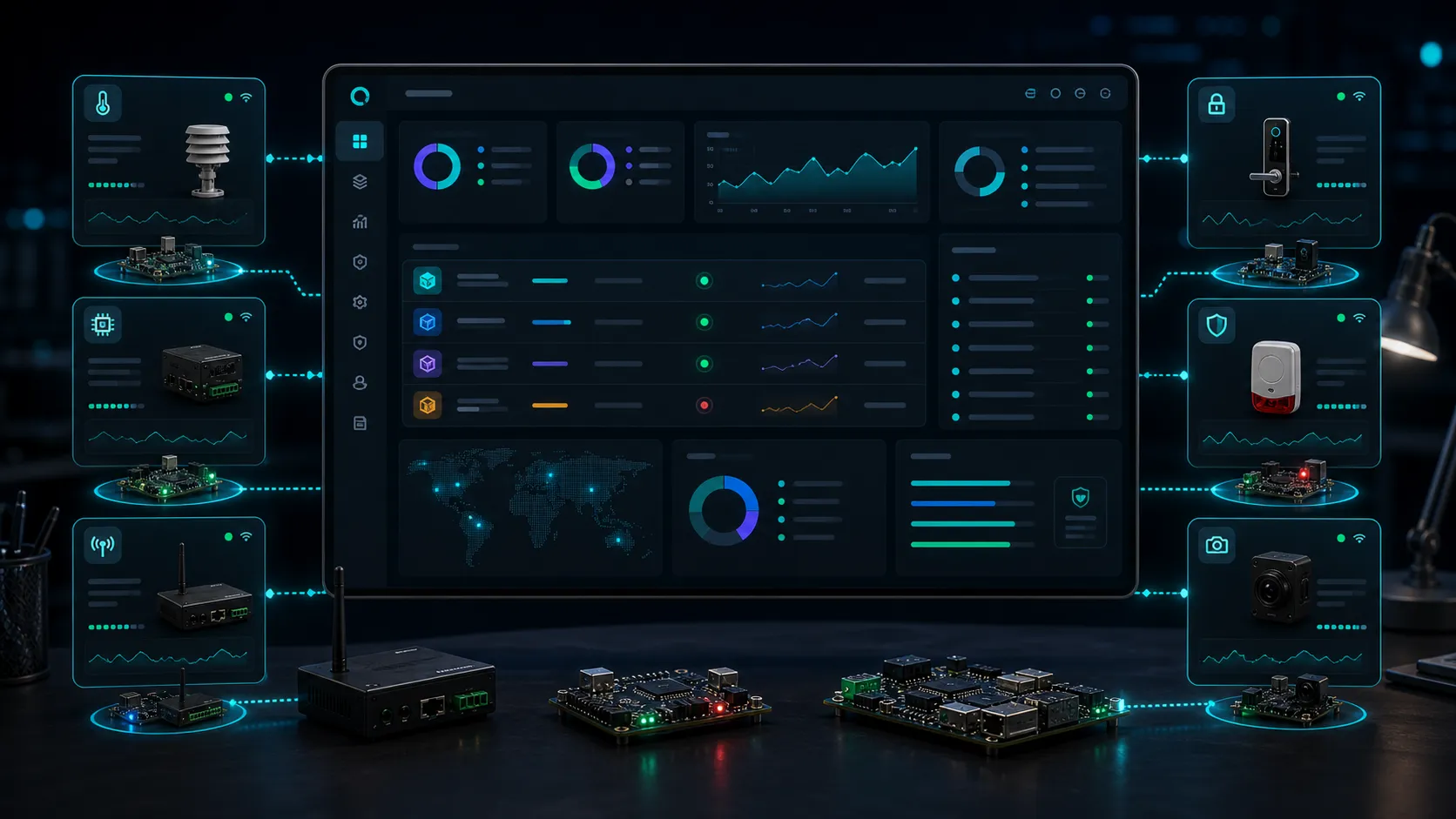
Use the same OTA server with Wi-Fi devices, wired Ethernet (W5500 PoE), SIM7600-style cellular designs, loggers, controllers, and sensors.
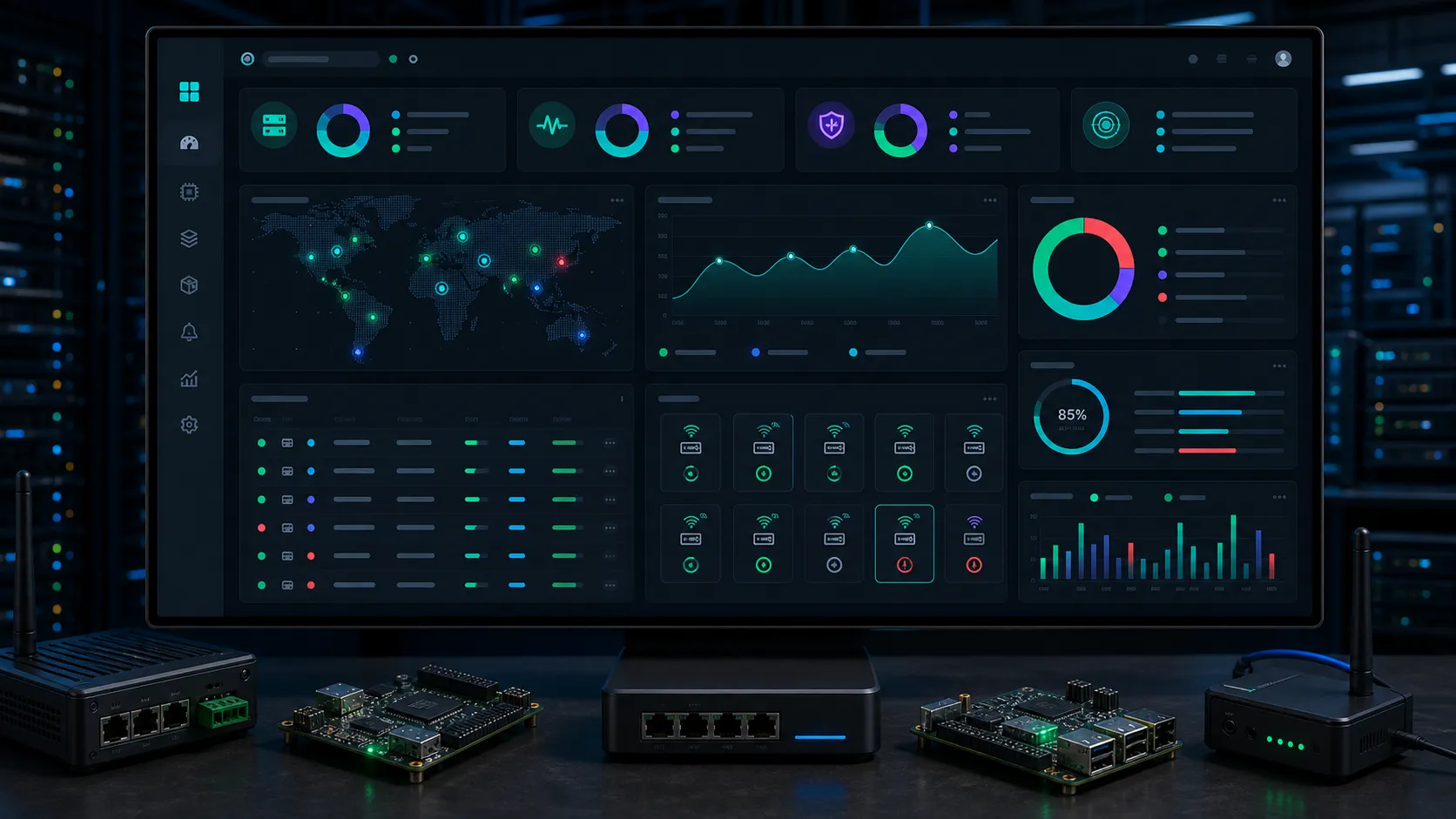
See update checks, downloads, device versions, and release adoption instead of guessing what is deployed.
Hardware fingerprint binding, version regression detection, and concurrent clone detection prevent spoofed or duplicated device identities.
Every security event — new device, suspected clone, identity lock — lands in a per-project inbox.
Pre-register a device's identity before it ships. The server recognises it on first contact. Combine with strict mode to block any unregistered device entirely. Available on paid plans.
Each security check — hardware ID binding, version regression lock, clone detection, strict mode — can be toggled per project. Turn off what does not fit your hardware; leave the rest on by default.
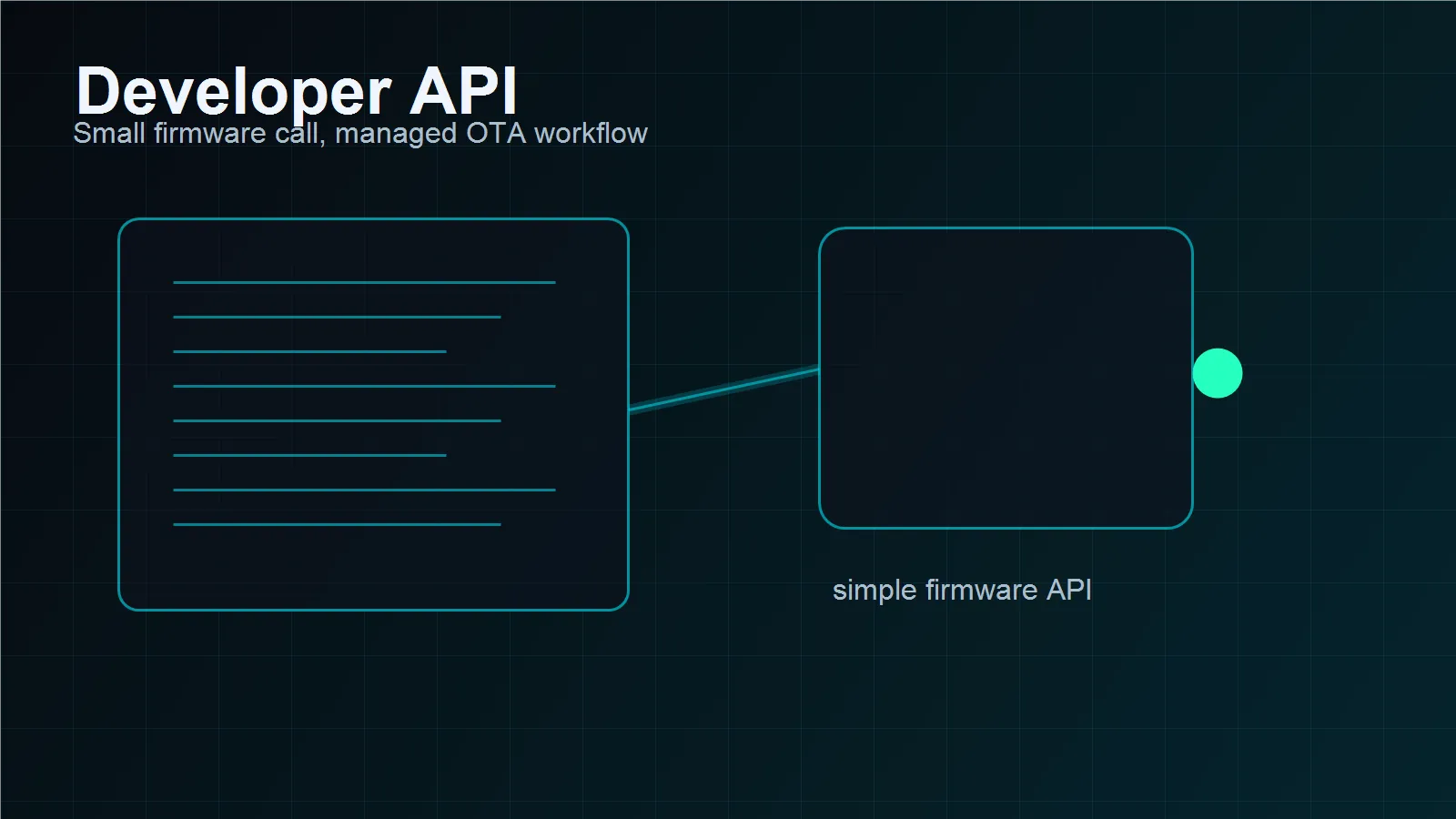
The server answers with a clear manifest. Your firmware decides when to download, verify, flash, and reboot.
Add version, hardware revision, release notes, and channel.
Keep drafts hidden until the release is signed, checked, and approved.
Each device sends project, channel, hardware revision, current version, and API key.
The firmware downloads the binary and verifies hash/signature before applying the update.
{
  "update_available": true,
  "version": "2.4.1",
  "channel": "stable",
  "hardware_rev": "rev-a",
  "mandatory": false,
  "sha256": "9f3c...b71a",
  "size": 1048576,
  "download_url": "https://samfrevoltota.com/..."
}The platform is simple enough for makers, but structured enough for freelancers and small companies that need version control, client confidence, and repeatable firmware operations.
Start free. Pay when you need fleet features. No per-device charge on paid plans.

For testing an OTA flow and validating your first device integration.

For real products, active deployments, and teams that want fleet structure.

For long-running embedded projects where you want the same features without renewal ever.
Samfrevolt is built around real embedded work: firmware, PCB and hardware support, IoT integration, test tools, device logging, and remote update workflows. OTA is one part of the larger mission: help makers, freelancers, and teams move from prototype to reliable connected product.
If you need ESP32 OTA code, GSM update logic, firmware architecture, or hardware debugging, you can contact Samfrevolt for engineering support.
stable channel. It is enough to validate the OTA flow before scaling.hw_id) on first contact and locks the device if the fingerprint changes — catching the most common cloning attempt. It also detects version rollbacks and simultaneous check-ins from two different IP addresses within 30 seconds. Locked devices stop receiving updates until an admin resets them.update_available: false with a device_locked flag. A notification appears in the project inbox so the admin knows. The real device can be unlocked by resetting its identity record — this rebinds its hardware fingerprint from scratch.Reach out for OTA access, firmware help, hardware support, or embedded product advice.

Sign in to continue managing releases and devices.